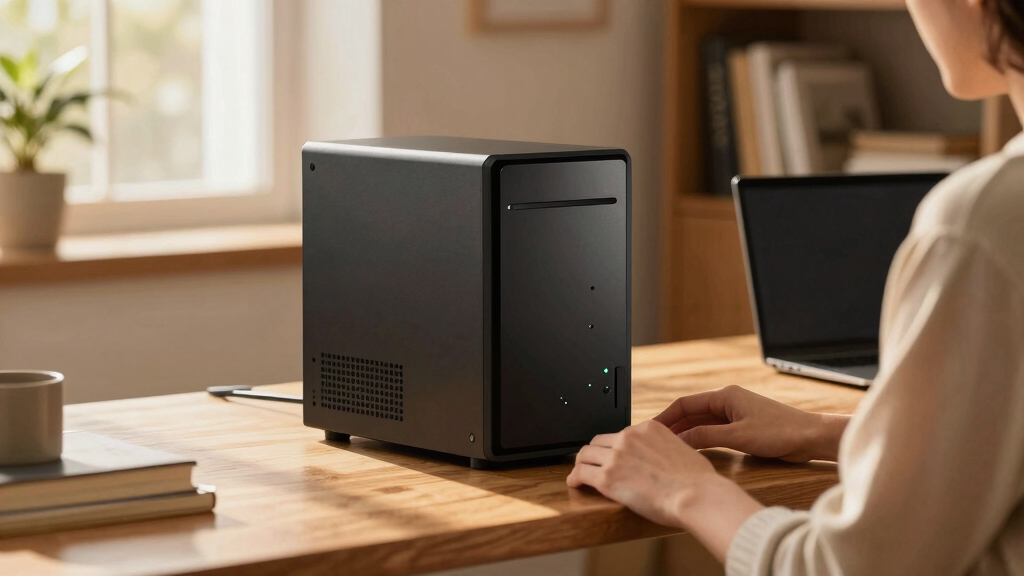

Finding the best home server in 2026 involves balancing performance, expandability, and ease of use. The Dell PowerEdge R730xd stands out as the best overall choice, thanks to its robust hardware and enterprise-grade features. For a more affordable, flexible option, the UGREEN NASync DH4300 Plus offers impressive storage capacity and remote access. The main challenge for buyers is choosing between raw power, user-friendly features, and budget constraints. Keep reading for a detailed breakdown of each option and how they compare to help you make an informed decision.

Get travel and outdoor gear delivered free with Prime
- Fast, free delivery on millions of items
- Prime Video, Amazon Music and more included
- Member-only deals all year
Key Takeaways
- The top picks balance performance, expandability, and ease of setup, catering to different user needs.
- Enterprise-grade servers like the Dell PowerEdge excel in raw power but come with higher complexity and cost.
- NAS-focused models such as the UGREEN NASync provide simplified management for home users prioritizing storage and media streaming.
- Tradeoffs often involve sacrificing some ease of use for more hardware flexibility or vice versa.
- The best choice depends heavily on whether you need a powerful server, simple media hub, or a budget-friendly storage solution.


More Details on Our Top Picks
Dell PowerEdge R730xd Server 24B SFF 2U, Dual Intel Xeon E5-2690 v4, 128GB RAM, 4x 1.2TB SAS HDD, RAID, 10Gb + 1Gb NIC (Renewed)
The Dell PowerEdge R730xd stands out for its enterprise-grade performance packed into a 2U rack form factor, making it ideal for users who need a powerful, expandable home server. Compared with the UGREEN NASync DH4300 Plus, which offers ease of use and media features, this server provides raw processing power and robust storage options suitable for demanding workloads. Its dual Xeon processors and 128GB RAM make it perfect for virtualization, media hosting, or complex data tasks—though it lacks included OS and requires a more technical setup. The tradeoff is that it’s bulkier, more expensive, and overkill for simple backups or light media sharing. If high performance and future scalability are key, this model excels.
Pros:- High-performance dual Xeon processors for demanding tasks
- Ample 128GB DDR4 RAM supports virtualization and heavy workloads
- Fast SAS drives with RAID for reliable data management
- High-speed 10Gb + 1Gb network interfaces
Cons:- No operating system included, additional setup required
- Renewed product may have slight variability from new units
- Large physical footprint and higher cost
Best for: Tech-savvy users wanting a flexible, enterprise-level home server with room to grow
Not ideal for: Beginners or those seeking plug-and-play simplicity, as setup and maintenance are complex
- Processor:2x Intel Xeon E5-2690 v4 2.6GHz (14 cores each)
- Memory:128GB DDR4 RAM
- Hard Drives:4x 1.2TB 10K SAS 2.5” drives
- RAID Controller:Dell H730P 2GB
- Network Interfaces:2x 10Gb SFP+ + 2x 1Gb RJ45
- Form Factor:2U rack server
Bottom line: This server is best suited for advanced users who need raw power and scalability for demanding home applications.
UGREEN NASync DH4300 Plus 4-Bay Desktop NAS, Support Capacity 128TB (Diskless), Remote Access, AI Photo Album, 8GB RAM, 2.5GbE, 4K HDMI
The UGREEN NASync DH4300 Plus excels as a user-friendly, high-capacity NAS for home media and data backup, supporting up to 128TB of storage. Unlike the Dell PowerEdge R730xd, which prioritizes raw computing power, this NAS emphasizes ease of use, remote access, and multimedia features like 4K HDMI output and AI-powered photo management—perfect for families or small offices. Its diskless design means buyers must purchase drives separately, which can add to the initial cost, but it offers flexibility in choosing storage. The main tradeoff is its entry-level performance, making it less suitable for intensive server tasks or virtualization. If your focus is on media sharing, backups, and straightforward setup, this model delivers excellent value.
Pros:- Massive 128TB storage capacity for extensive data needs
- User-friendly setup with remote access and multi-device compatibility
- AI photo management for easy organization and duplicate detection
- Supports 4K HDMI output for media viewing
Cons:- Hard drives are sold separately, increasing total cost
- Limited to basic NAS functions, not suitable for enterprise-grade virtualization
- Entry-level performance may slow under heavy multi-user loads
Best for: Home users needing large storage, media streaming, and simple remote access
Not ideal for: Power users requiring advanced virtualization or heavy computational workloads
- Support Capacity:128TB
- Number of Bays:4
- RAM:8GB LPDDR4X
- Network:2.5GbE
- Video Output:4K HDMI
- Diskless:Yes
Bottom line: This NAS offers a compelling balance of capacity and user-friendly features for media-focused households and small offices.
GMKtec Mini PC Workstation with Intel Core i9-13900HK, 32GB DDR5, 1TB SSD, 8X USB Ports, HDMI, DP, Industrial COM Port, 8K Support
The GMKtec K10 Mini PC makes a compelling case for demanding tasks with its high-performance Intel Core i9 processor and robust connectivity options, including 8K support, which is unmatched among the lineup. It’s designed for professionals needing a compact yet powerful workstation or for industrial environments that require serial communication and multi-screen support. Unlike the more general-purpose UGREEN NAS DXP2800, this device is tailored for intensive computing, but its premium pricing and limited upgrade options mean it’s not suited for casual or budget-conscious users. The setup complexity can be a hurdle for those unfamiliar with high-end hardware configurations, but for users who need raw power in a small footprint, it’s a clear winner.
Pros:- Powerful Intel Core i9 processor for demanding workloads
- Supports multi-screen 8K display for high-resolution tasks
- Wide range of connectivity including industrial COM port and 2.5G Ethernet
- Compact size suitable for tight spaces in offices or factories
Cons:- Premium price may be a barrier for casual or home users
- Limited upgrade paths due to small form factor
- Requires technical expertise for optimal setup and maintenance
Best for: Power users, content creators, or industrial professionals who require multi-8K display support and high-speed connectivity in a compact form.
Not ideal for: Casual users or those on a tight budget, as the high price and technical setup requirements might be prohibitive.
- Processor:Intel Core i9-13900HK
- RAM:32GB DDR5
- Storage:1TB PCIe NVMe SSD
- Display Support:8K @ 60Hz
- Connectivity:WiFi 6, Bluetooth 5.2, 2.5G LAN
- Ports:8 USB ports, HDMI, DisplayPort, COM port
Bottom line: Ideal for professionals needing high-end performance and multi-display support in a compact workspace.
Quiet Rackmount Computer with AMD Ryzen 7 5700G, 32GB RAM, 1TB SSD, Windows 11 Pro
This rackmount setup excels for users who need a powerful, reliable machine for gaming, content editing, or business applications. Its AMD Ryzen 7 5700G provides solid multi-core performance, and the 32GB RAM ensures smooth multitasking, positioning it ahead of less robust options like the UGREEN NAS DXP2800 for intensive workloads. The 1TB NVMe SSD guarantees quick access to files and applications, while the pre-installed Windows 11 Pro makes it ready for professional use. However, the rackmount form factor can be a hurdle for those unfamiliar with server setups, and the limited drive bays restrict future storage expansion. For those comfortable with rack systems, this model offers a balanced combination of power and expandability.
Pros:- Strong AMD Ryzen 7 5700G processor for multitasking and content creation
- Fast 1TB NVMe SSD for quick system boot and data access
- Ample 32GB RAM supports demanding applications
- Pre-installed Windows 11 Pro ready for business use
Cons:- Limited drive bays may hinder future storage expansion
- Rackmount design could be complex for home users
- Integrated graphics not suitable for high-end gaming
Best for: Content creators, small business owners, or gamers seeking a high-performance system in a rackmount form factor.
Not ideal for: Casual users or those who prefer a traditional desktop form factor, as rackmount setups require specific installation considerations.
- Processor:AMD Ryzen 7 5700G
- RAM:32GB DDR4
- Storage:1TB PCIe NVMe SSD
- Operating System:Windows 11 Pro
- Form Factor:2U Rackmount
- Graphics:Integrated AMD Radeon Graphics
Bottom line: This server-like system fits users who need robust performance in a rackmount format and are comfortable with setup complexity.
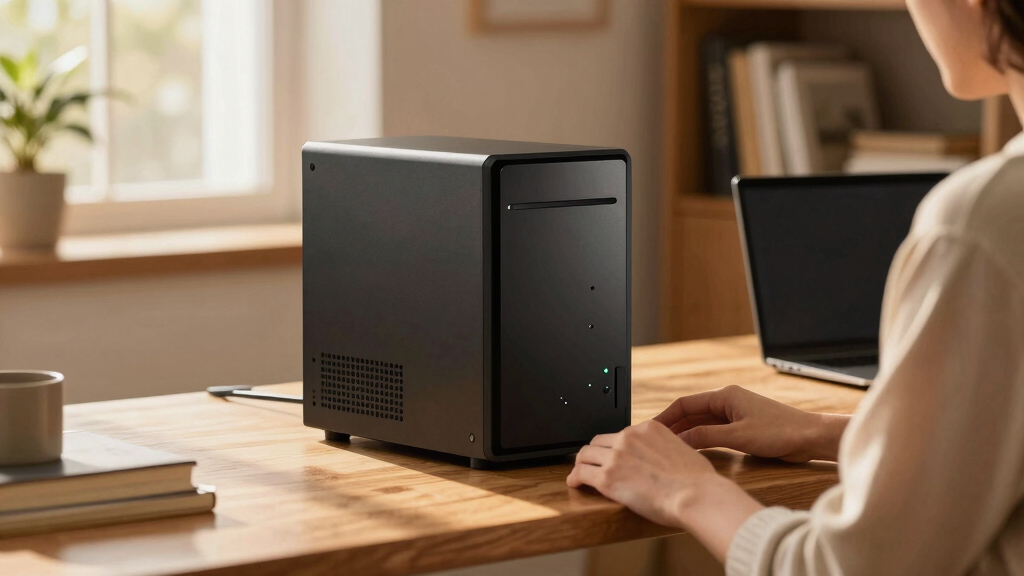
How We Picked
We evaluated each product based on core factors that matter most for a home server: hardware performance, expandability, ease of setup, power efficiency, and value for money. We also considered user-friendliness for non-technical buyers and future-proofing features like scalability and remote management. Our rankings favor models that strike a balance between performance and practicality, with clear distinctions based on intended use cases. Products with unnecessary complexity or limited support were rated lower, ensuring the list caters to a broad range of home users from beginners to enthusiasts.Factors to Consider When Choosing Best Home Server
Choosing the best home server requires understanding several key factors that influence performance, usability, and longevity. Not all servers are created equal—some prioritize raw power, others focus on ease of use, and some are designed for expandability. Being aware of these considerations can help you avoid common pitfalls, such as overspending on unnecessary features or selecting a system that’s too limited for your future needs. Here are the main factors to consider when selecting a home server:Performance and Hardware Specifications
For most home users, the CPU, RAM, and storage options determine how well a server handles tasks like media streaming, backups, or hosting virtual machines. Higher-end CPUs and larger RAM provide smoother multitasking, but they also come with increased cost and power consumption. Consider your current needs and potential growth—buying more power than necessary can be wasteful, but underpowered systems may limit future use. Balance performance with your budget for the best long-term value.
Expandability and Scalability
Many home servers are built to grow with your needs, offering options like additional drive bays or PCIe slots for upgrades. If you plan to store large media libraries or run multiple services, choose a model with expandable storage and RAM. Conversely, if simplicity is your goal, a diskless NAS that supports adding drives later might be ideal. Avoid models that lock you into fixed configurations, as they can become limiting as your home network demands increase.
Ease of Setup and Management
For non-technical users, straightforward setup and intuitive management interfaces are crucial. Some servers come with dedicated apps or web interfaces that simplify configuration, updates, and remote access. Others may require more technical knowledge, particularly enterprise-grade hardware. Consider your comfort level and whether you prefer plug-and-play solutions or are willing to handle more complex setups for greater control.
Energy Efficiency and Noise Levels
Since a home server might run 24/7, energy consumption and noise are important factors. Energy-efficient models can save on electricity bills over time, especially if you plan to keep the server running constantly. Similarly, quieter systems are less disruptive in a home environment. Look for reviews or specifications that specify noise levels and power draw, especially if your server will be placed in a living space.
Budget and Total Cost of Ownership
Beyond the initial purchase price, consider ongoing costs such as electricity, maintenance, and potential upgrades. Enterprise servers may cost more upfront but could save money long-term through durability and expandability. Simpler NAS devices may be less expensive initially but could require additional investment as your storage needs grow. Carefully weigh what features are worth paying for and avoid overpaying for capabilities you won’t use.
Frequently Asked Questions
Is a dedicated home server worth the investment over a regular NAS?
A dedicated home server offers more flexibility, higher performance, and expandability compared to a standard NAS. It can run multiple services, host virtual machines, or handle intensive workloads, making it suitable for tech enthusiasts or users with complex needs. However, it also requires more setup, maintenance, and power consumption. For users who prioritize simplicity and media streaming, a NAS might be sufficient and more cost-effective, but a dedicated server is better suited for those needing more power and customization.
How much should I spend on a home server?
The budget depends on your intended use. Basic media streaming and backups can be achieved with affordable NAS units for a few hundred dollars. If you require high performance, expandability, or enterprise features, expect to spend over a thousand dollars on a more robust server. Remember, investing in quality hardware can reduce future upgrade costs and improve reliability, but overspending on unnecessary features can lead to wasted money. Define your needs clearly to strike the right balance.
Can I set up a home server myself without technical expertise?
Many modern home servers and NAS devices are designed with user-friendly interfaces that make setup straightforward, even for beginners. Products with dedicated apps, pre-configured options, and clear instructions significantly lower the barrier to entry. However, more advanced enterprise-grade hardware may require familiarity with server management, networking, and storage configurations. If you’re new to this, start with a dedicated NAS or simplified server and consider online tutorials or community support to help you get started.
What is the benefit of a RAID configuration in a home server?
RAID setups improve data redundancy and performance by combining multiple drives into a single logical unit. For home users, RAID can protect against data loss if a drive fails, especially with configurations like RAID 5 or RAID 10. This added security is valuable if your data is critical, but it also introduces complexity and potential cost. Understand your risk tolerance and storage needs before choosing a RAID level, and remember that regular backups remain essential regardless of RAID.
Should I prioritize energy efficiency or raw power when choosing a home server?
It depends on your usage patterns and budget. If you plan to run the server constantly for media streaming or backups, energy efficiency can save money in the long run and reduce noise. For intensive tasks like hosting virtual machines or large data processing, raw power might be more important, even if it consumes more energy. Balancing these factors based on your specific needs will lead to a more satisfying and cost-effective setup.
Conclusion
For most home users, the Dell PowerEdge R730xd offers the best overall performance and expandability, making it suitable for tech enthusiasts and those with demanding workloads. If you’re seeking a cost-effective, easy-to-manage solution, the UGREEN NASync DH4300 Plus fits well, especially for media and backup needs. Beginners or those prioritizing simplicity might prefer a plug-and-play NAS, while power users requiring maximum flexibility should consider enterprise-grade hardware. Ultimately, your choice should align with your current needs and future plans, balancing performance, ease, and budget.Halloween Picks
halloween
As an affiliate, we earn on qualifying purchases.